
 WhatsApp Us
Call us : +91 - 90004 33066 / 90004 56930
Google Cloud Partner Hyderabad, India.
Get business email ID, video conferencing, and cloud storage from Google
If ‘email' communication is important in your business, you must consider switching to Google Workspace Mail, today!
The better way to work just got an upgrade with Google AI
Google Workspace plans now include access to the Gemini app, NotebookLM and Gemini in Gmail, Docs, Meet and more.
Join millions of businesses that run on premium versions of Gmail, Calendar, Drive, Meet and more. Future-proof your business with familiar tools that include AI in every plan.
 Gmail
Gmail Drive
Drive Meet
Meet Calendar
 Chat
Chat Gemini
 Docs
Docs Sheets
 Slides
 Vids
Vids Keep
Keep Sites
Sites Forms
Forms NotebookLM
 AppSheet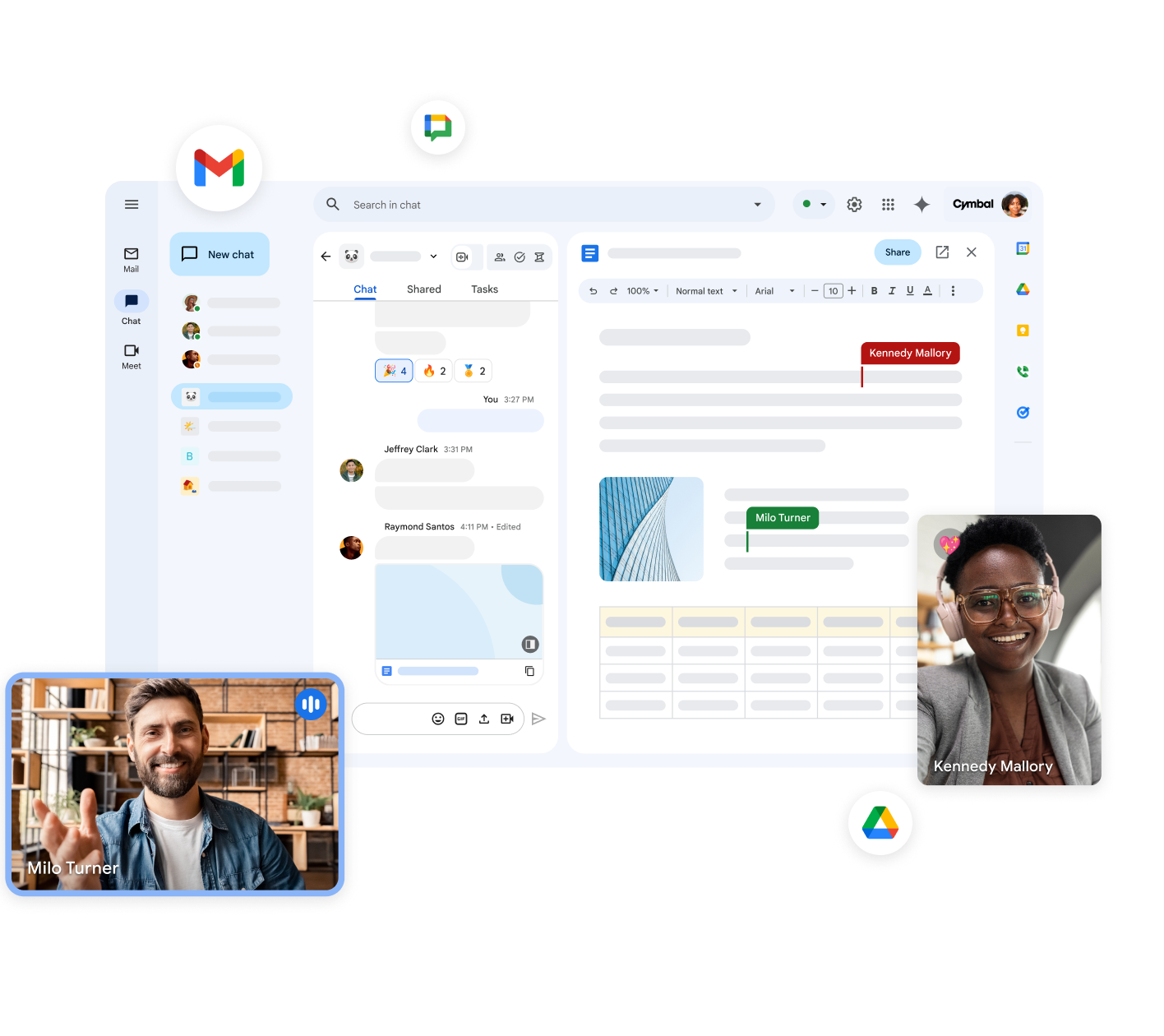
Find the right plan for your business.
Google Workspace Pricing
Professional email, online storage, video meetings, and other business tools to transform the way you work
Google Workspace
Business Starter
30 GB pooled storage per user**

per user per year,
plus GST 18%
for 1st 20 users,
for 1st year

per user per year,
plus GST 18%
- 30 GB
pooled storage per person* - Secure custom business email
you@your-company.com - Gemini AI assistant in Gmail
- Chat with AI in the Gemini app
- Video meetings, 100 participants
- Google Vids AI-powered video creator and editor
- Security and management controls





Google Workspace
Business Standard
2 TB pooled storage per user**
per user per year,
plus GST 18%
for 1st 20 users,
for 1st year
per user per year,
plus GST 18%
- 2 TB
65x more than Starter* - Secure custom business email
you@your-company.com + custom layouts and mail merge - Gemini AI assistant in Gmail, Docs, Meet and more
- NotebookLM with expanded access to features
- Chat with AI in the Gemini app with expanded access to models and features
- Video meetings with recording, noise cancellation, 150 participants
- Appointment booking pages
- eSignature with Docs and PDFs
- Google Workspace Migrate tool for data migration



Google Workspace
Business Plus
5 TB pooled storage per user**
price per user per year, plus GST 18%
Contact Sales- 5 TB
2.5x more than Standard* - Secure custom business email
+ ediscovery - Video meetings with attendance tracking, 500 participants
- Vault to retain, archive and search data
- Secure LDAP
- Advanced endpoint management
- Enhanced security and management controls


Starter, Standard and Plus plans can be purchased for a maximum of 300 users. There is no minimum or maximum user limit for Enterprise plans. Google Workspace customers may have access to additional features for a limited promotional period.
*Google Workspace provides flexible pooled storage per user that is shared across the organisation. Business Starter includes 30 GB of pooled storage per user, Business Standard includes 2 TB, and Business Plus and Enterprise Plus include 5 TB. Visit our Help Centre to learn more about getting additional storage for your organisation.
**Offer available to new Google Workspace customers only. This introductory price is only available for the first 20 users added, for 12 months. Standard pricing will apply to all users after 12 months. Actual price per user may vary by up to ~0.01% due to rounding. Final price will be shown before completing sign-up.
Productivity & Collaboration
| Business Starter | Business Standard | Business Plus | |
|---|---|---|---|
 Gmail Business email Gmail Business email |
|||
| Custom email for your business | |||
| Phishing and spam protection that blocks more than 99.9% of attacks | |||
| Ad-free email experience |
| Business Starter | Business Standard | Business Plus | |
|---|---|---|---|
 Gemini in Workspace apps Gemini in Workspace apps |
Limited | ||
| Enterprise-grade security and privacy | |||
| Gemini in Gmail – find, summarise and write emails faster with AI | |||
| Gemini in Docs – tackle the blank page or polish draft documents with AI | --- | ||
| Gemini in Sheets – visualise data and surface insights faster with AI | --- | ||
| Gemini in Slides – make presentations shine with AI images | --- | ||
| Gemini in Vids – tell engaging stories at work with AI-powered video creation | |||
| Gemini in Drive – find, summarise and analyse files with AI | --- | ||
| Gemini in Meet – let AI summarise, translate and take notes in meetings | --- | ||
| Gemini in Chat – find, summarise and translate chats with AI | --- |
| Business Starter | Business Standard | Business Plus | |
|---|---|---|---|
| Gemini app AI assistant from Google |
Basic access | Expanded access | Expanded access |
| Enterprise-grade security and privacy | |||
| Access Gemini app on web or mobile | |||
| Google's most capable AI models for complex tasks | --- | ||
| Build custom AI experts for any topic with Gems |
| Business Starter | Business Standard | Business Plus | |
|---|---|---|---|
 Meet Video and voice conferencing
 |
100 participants | 150 participants | 500 participants |
| Meeting length (maximum) | 24 hours | 24 hours | 24 hours |
| US or international dial-in phone numbers | |||
| Studio sound noise cancellation | --- | ||
| Adaptive audio | --- | ||
| Meeting recordings saved to Google Drive | --- | ||
| Polling and Q&A | --- | ||
| Moderation controls | --- | ||
| Hand raising | --- | ||
| Breakout rooms | --- | ||
| Attendance tracking | --- | --- | |
| In-domain live streaming | --- | --- | --- |
| Business Starter | Business Standard | Business Plus | |
|---|---|---|---|
 Drive Secure cloud storage
 |
30 GB per user | 2 TB per user | 5 TB per user |
| Drive for desktop | |||
| Support for over 100 file types | |||
| Shared drives for your team | Fundamental | Advanced | Advanced |
| Target audience sharing | --- | ||
| eSignature with Docs and PDFs | --- |
| Business Starter | Business Standard | Business Plus | |
|---|---|---|---|
 Chat Team messaging
 |
|||
| Turn history on or off by default | |||
| Auto-accept invitations | |||
| One-to-one external chat | |||
| Advanced chat rooms, including threaded rooms and guest access | --- |
| Business Starter | Business Standard | Business Plus | |
|---|---|---|---|
 Calendar Shared calendars Calendar Shared calendars |
|||
| Appointment booking pages | --- | ||
| Browse and reserve conference rooms |
| Business Starter | Business Standard | Business Plus | |
|---|---|---|---|
 Docs, Sheets, Slides and Vids Collaborative content creation
 |
|||
| Vids AI-powered video creation | |||
| Keep Shared Notes | |||
| eSignature with Docs and PDFs | --- | ||
| Sites website builder | |||
| Forms survey builder | |||
| Interoperability with Office files | |||
| Easier analysis with Smart Fill, Smart Cleanup, and Answers | |||
| Proofread to help with writing style | --- | ||
| Writing assistance with Smart Compose, grammar suggestions and spelling auto-correct | |||
| Connected Sheets | Fundamental | Fundamental | Fundamental |
| Custom branding for document and form templates | --- |
| Business Starter | Business Standard | Business Plus | |
|---|---|---|---|
 NotebookLM AI thinking and research partner
 |
Basic access | Expanded access | Expanded access |
| Generate interactive Audio Overviews with two AI hosts | Up to 3 per day | Up to 20 per day | Up to 20 per day |
| Get 5x more notebooks, chat queries and sources per notebook | --- | ||
| Chat modes to customise style and length | --- |
| Business Starter | Business Standard | Business Plus | |
|---|---|---|---|
 AppSheet Build apps without code
 |
Security & Management
| Business Starter | Business Standard | Business Plus | |
|---|---|---|---|
| 2-step verification | |||
| Group-based policy controls | |||
| Advanced Protection Program | |||
| Endpoint management | Fundamental | Fundamental | Advanced |
| Google Workspace Migrate tool | --- | ||
| Vault - Retain, archive, and search data | --- | --- | |
| Secure LDAP | --- | --- | |
| Data loss prevention (DLP) | --- | --- | --- |
| Cloud Identity Premium | --- | --- | --- |
| Context-aware access | --- | --- | --- |
| Security center | --- | --- | --- |
| S/MIME encryption | --- | --- | --- |
| Data regions | --- | Fundamental | Fundamental |
| Access transparency | --- | --- | --- |
| Assured Controls (includes Access Management) | --- | --- | --- |
| AI classification | --- | --- | --- |
Why is Google Workspace the Best Solution for Your Business?
Email ID Ownership
The prime reason for opting Google Workspace is that it provides an email with a domain name, for example, your-name@your-company.com In other words, the company is the owner of all the email addresses, not the employees. Get access to the histories, passwords, emails sent/received by your employees with added ease.
Outlook & Data Storage
For those who prefer using Microsoft Outlook, Google Workspace mails can be configured in Microsoft outlook and download the emails regularly, however, all the copies of emails are still stored on Google Server, thanks to IMAP facility of the server. Please check this article for tips to configure GSuite mail Ids in Microsoft Outlook in your local computer system.
How Secure is Your Mailbox?
Unless the user shares the login credentials, it is impossible to login to others mail box. However, a few human mistakes allows others to predict the passwords and attempt to login. This happens in any system and not limited to Google Mail or so. Hence, the password must be stronger and not a weak password, users must not keep their passwords weak such as mail1234, password123 etc which are hack-able easily.
What Else Google Can do to Secure Your Mail Box?
2 Step Verification, an optional but robust secured feature. For more security, you can enable and utilize the 2-step verification facility on your mailbox which means, any time you access your mailbox from a new network, Google system sends an OTP on your registered mobile, only by providing OTP you can access your mailbox. This avoids any possible unauthorised access by others into your inbox. This way, your mailbox is always safe and your data secured.
Advanced Security for Business with Google Google Workspace
Google Workspace has equipped itself with most stringent and toughest of industry standards. Google Workspace is ISO:27001 as well as ISO:27018 cer¬¬tified. It also complies with HIPAA regulation and norms. Google Workspace can be your choice of mail solution for transparency, data ownership, accountability and more. The robust infra deployed by the company has been trusted by leading corporations in India and world over.
Cloud Based Productivity Tools, What do They Mean for You?
Google Workspace is more than an email solution. As name tells us, It is a Suite of many productivity tools that are used for performing office work such as creating Word Documents, Excel Sheets, Storing Data on Drive, creating mini Sites for internal communication, presentation of of your organisation teams, Group Chatting with Hangouts, Video Calling using Hangouts Meet and many more. The beauty of these tools are, your team can share the documents, files, folders and work together on these tools collectively, realtime. This saves lot of coordination time and improves productivity of each employee & everyone at your can deliver the results fast and more effectively. Because teamwork means more success!
Google Workspace is in Your Control
Any document or file or folder you share with other team members, or with customers is always in your control since you can define the accessibility limits by setting up view only or modify or comment permissions & whatsmore, you can also setup time limit for accessibility after which your colleague or partner cannot access the document. This way, you define and keep the rules the way your documents/files are used/accessed by others.
User Management
As an administrator of Google Workspace, you can monitor all Google Workspace users activity and control their access as and when you require. Creating, modifying or deleting the users is a quick action which does not take more than a couple of minutes. Now you can give privileges like adding or removing a member, file sharing permissions, document ownership, restricting a team member and much more to a team admin. Get access to statistics on the usage of account, modify the data anytime and even designate additional team administrators with Google Workspace.
Switch to Google Workspace Now!!!
See why millions of businesses love and rely on Google Workspace for their business needs.